Make TextEdit Open With a Blank Document
Make TextEdit Open With a Blank Document
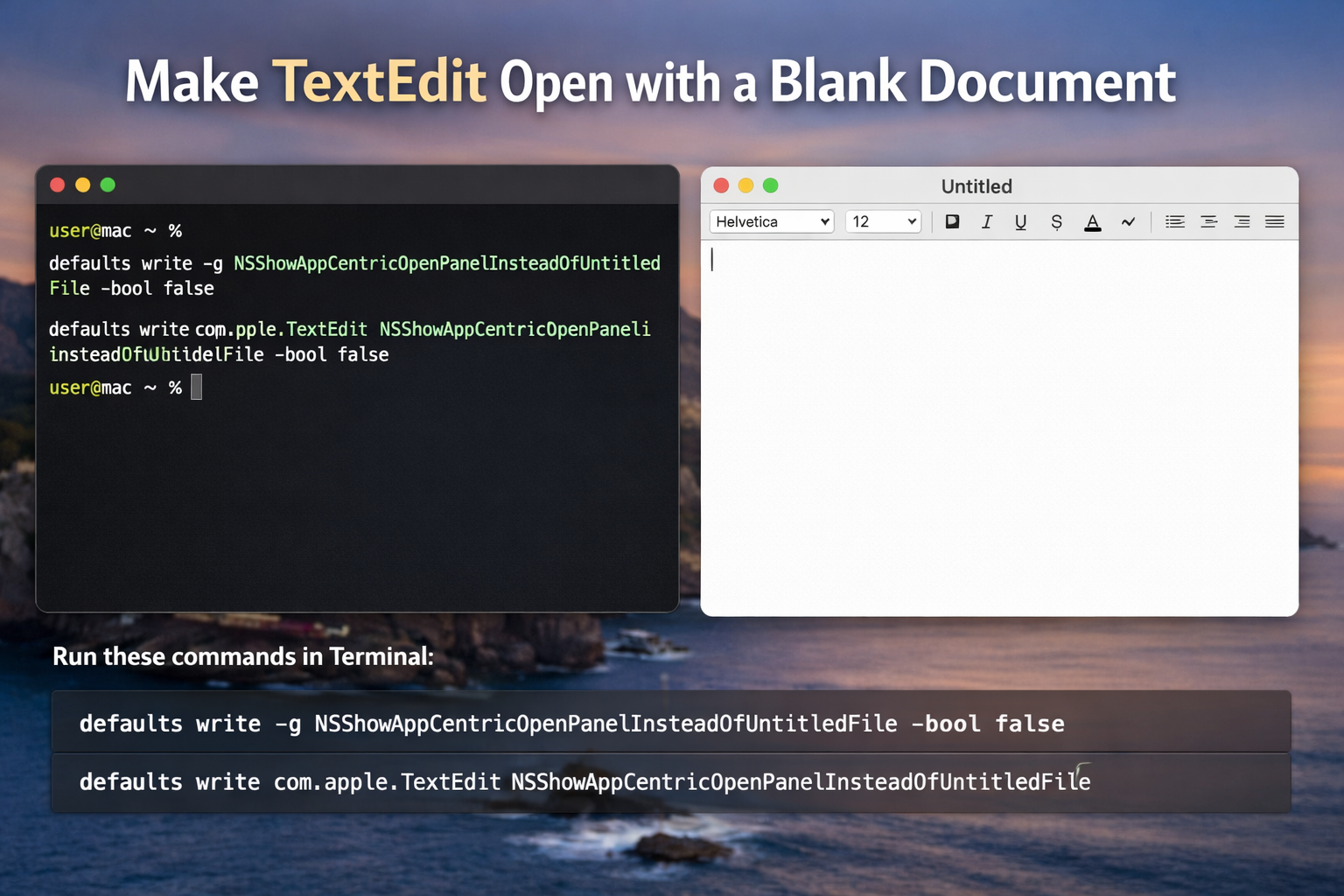
I use TextEdit as a scratchpad.
Not for formatted documents. Not for file management. Just to think. To draft. To get words out quickly without friction.
At some point, TextEdit started opening to the Finder-style Open panel instead of a new document. Every launch required an extra decision. Choose a file. Cancel. Create new. It slowed down something that should feel immediate.
There is a simple fix.
Open Terminal and run:
defaults write -g NSShowAppCentricOpenPanelInsteadOfUntitledFile -bool false
defaults write com.apple.TextEdit NSShowAppCentricOpenPanelInsteadOfUntitledFile -bool false
Quit TextEdit completely and relaunch it.
From then on, it opens directly to a blank, untitled file. No browser window. No extra click. Just a page.
It is a small adjustment, but it restores the feel of TextEdit as a lightweight writing tool. Open. Type. Move on.
If you ever want to return to the default behavior, you can remove those settings.
Run:
defaults delete com.apple.TextEdit NSShowAppCentricOpenPanelInsteadOfUntitledFile
defaults delete -g NSShowAppCentricOpenPanelInsteadOfUntitledFile
Quit and relaunch TextEdit again. The Open panel will come back.
macOS hides a lot of these preferences just under the surface. I like knowing they are there. A few lines in Terminal, and the tool bends back to the way I work.
Filed under