Tools I Actually Use: Google Sheets
Tools I Actually Use: Google Sheets
For a long time, the difference between Excel and Google Sheets felt obvious. Excel was where serious work lived. Sheets handled shared lists and lightweight collaboration.
Google Sheets is where my systems begin. Structures take shape, rules are defined, and patterns become visible over time. Even when other tools sit on top of it, the underlying logic usually lives in a spreadsheet.
Most of what I manage grows slowly. Logs, workflows, reference tables, and trackers that benefit from being seen regularly. These systems work better when they are visible, linkable, and current. In Sheets, information stays present instead of being archived.
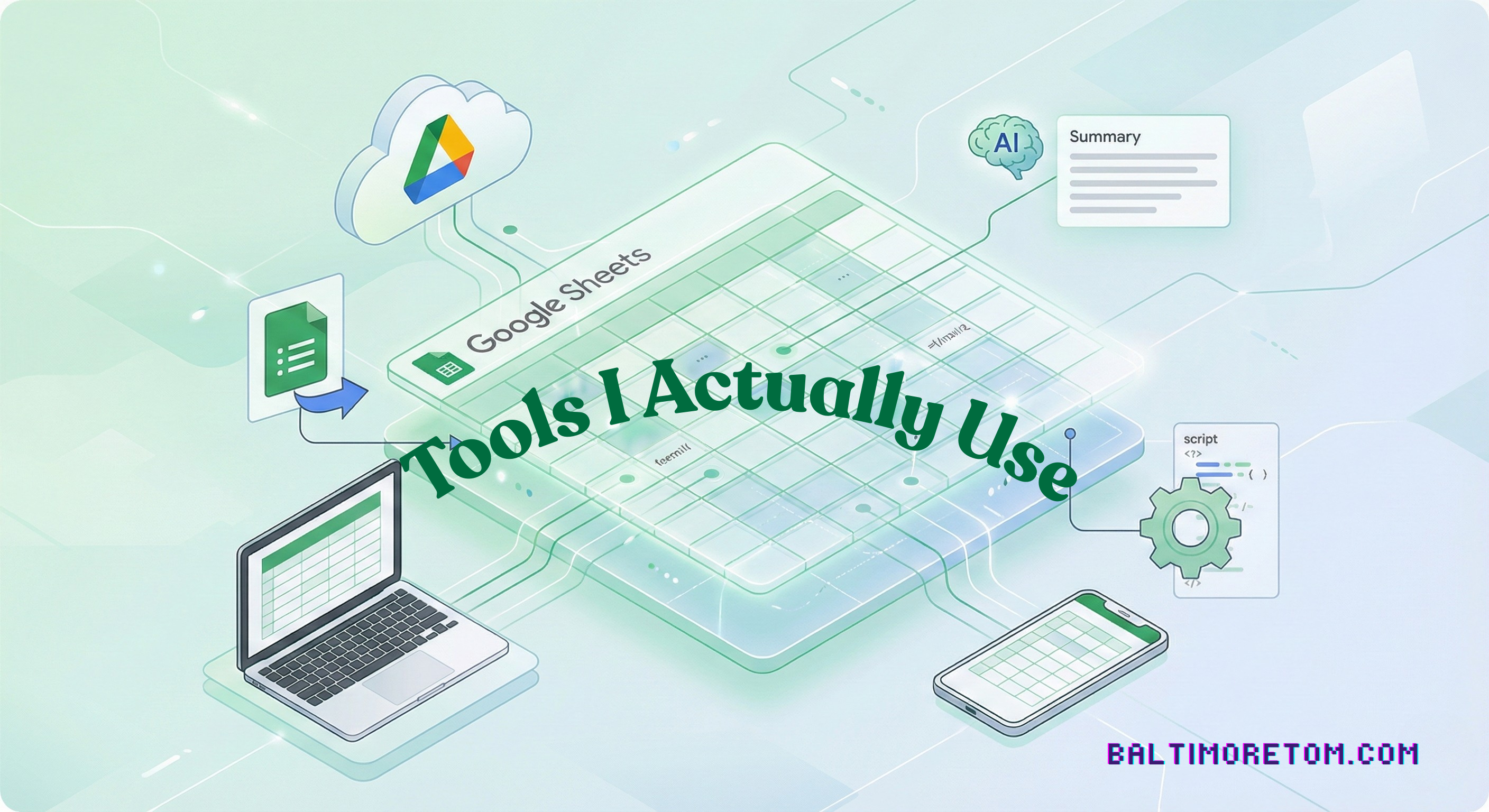
Sheets behaves this way because it lives on the web. Collaboration is the default state. I can move between my laptop and my phone and know I am looking at the same data. Sharing does not create copies. It creates shared context.
The URL matters. You can create links directly from each sheet, each tab, and each filter view. I bookmark specific views and return to them without navigating folders or opening files. For me and my team, a sheet feels less like a document and more like a place.
That same web-native design extends naturally to the rest of Google’s tools. Forms feed data into Sheets in a controlled way, keeping raw input separate from structured tables, such as a status or notes column. Drive handles organization quietly. Gmail references sheets without friction. Information moves without calling attention to itself, and the system remains readable as it grows.
Apps Script is what allows Sheets to stay simple without becoming limited. I use it to enforce rules, respond to edits, and move data without manual steps. onEdit triggers handle state changes and workflow transitions as they occur. onFormSubmit scripts assign identifiers, normalize inputs, and protect structure at the moment data enters the system. Time-driven triggers handle maintenance, generate summaries, and keep dashboards current in the background.
Apps Script also changes how a spreadsheet behaves. Sheets become lightweight web apps. Buttons initiate actions. Files are generated, named, stored, and linked back automatically. Email and Drive workflows run directly against live data, close to where decisions are made. The grid remains readable while its behavior runs alongside it.
JavaScript running directly against the data allows these systems to operate without supervision. Updates run on schedules. External services connect through APIs. Workflows execute consistently. The sheet stays open and legible even as it performs work on its own.
AI fits into this environment as a supporting tool. I use it to summarize feedback, categorize entries, and surface patterns across large ranges of data. It operates inside the sheet, close to the structure that gives the data meaning. It assists review and interpretation without becoming the system itself.
Google Sheets works for me because it stays out of the way. It is accessible wherever I am, reliable over time, and flexible without demanding reinvention. It grows only when it needs to.
The best tools keep you close to the work and make it easier to stay oriented as complexity accumulates.
See all posts in the Tools I Actually Use series →